



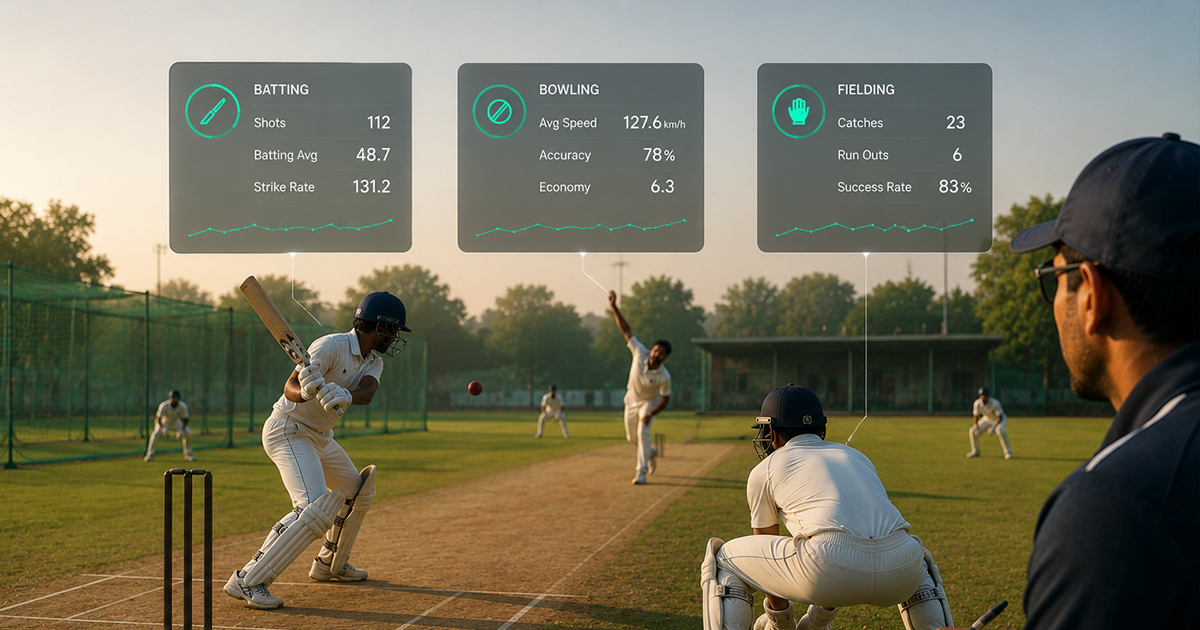
Cricket Player Assessment App: How Academies Can Track Batting, Bowling and Fielding
A cricket player assessment app is a digital tool designed to systematically track and analyze player skills in batting, bowling, and fielding within a grassroots cricket academy setting. Many academies struggle with inconsistent record-keeping and subjective feedback, leading to unclear player progress. Using a structured app for assessments ensures transparent tracking of individual skill growth, consistency, and areas needing improvement, which is vital for genuine player development over the long term. This article offers practical insights and frameworks for academies and coaches to implement cricket player assessment apps effectively for sustained player advancement.
Key Features of a Cricket Player Assessment App
Effective cricket assessment apps cover multiple skill areas — batting, bowling, and fielding — while offering detailed analytics and easy-to-use workflows for coaches and academy staff.
Essential features include batting performance tracking like shot selection and timing, bowling assessment tools for line, length, and consistency, as well as fielding evaluation software monitoring catching success, ground fielding, and throwing accuracy. Integration with academy management systems simplifies attendance and parent communication to round out the player development ecosystem.
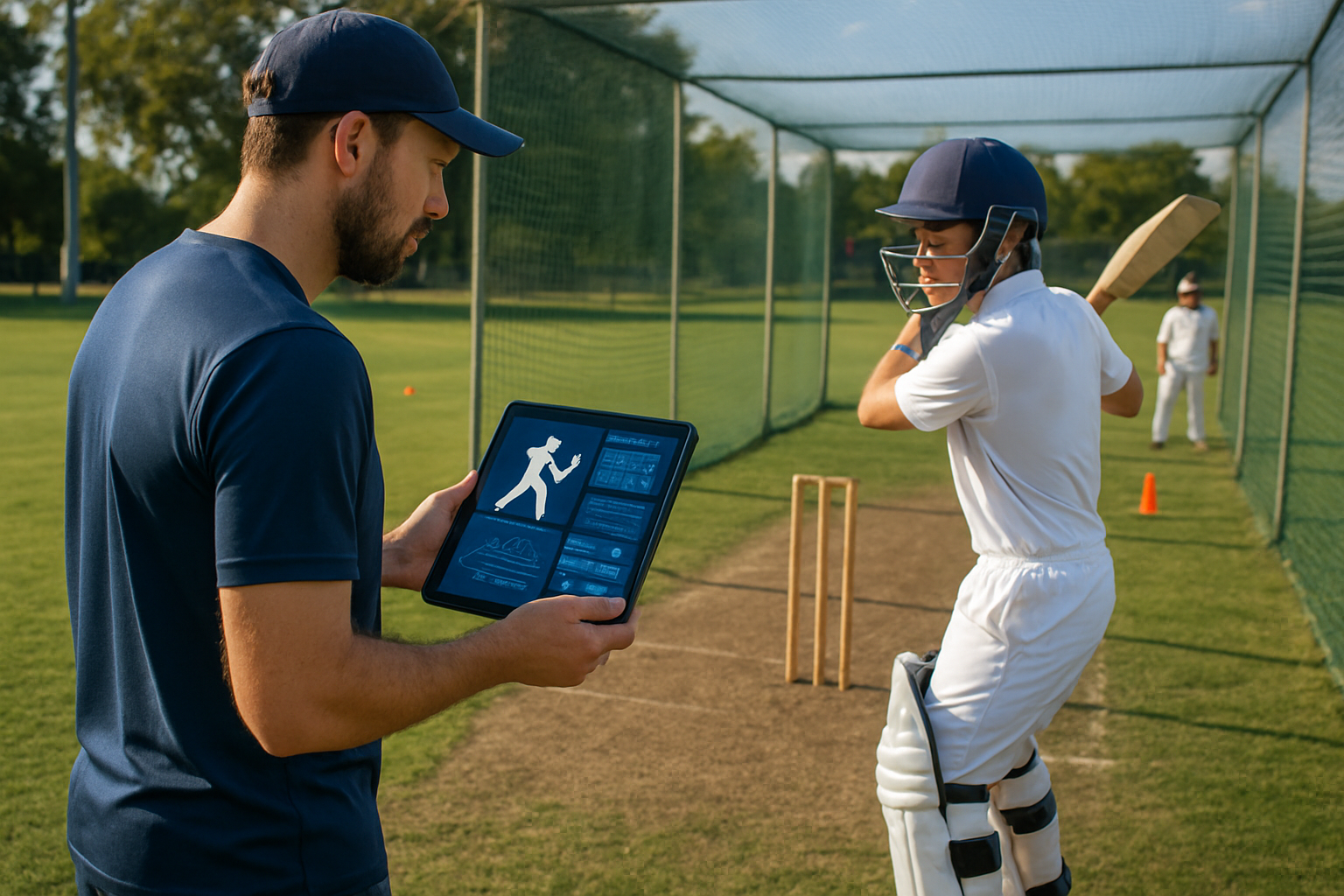
A Practical Framework for Using a Cricket Player Assessment App
1. Baseline Skill Evaluation: Start by recording each player's current batting, bowling, and fielding abilities in measurable terms to identify a clear starting point.
2. Consistent Session Assessments: Use the app after net sessions or matches to log specific performance metrics—like strike rate, bowling economy, or fielding errors—ensuring regular progress tracking.
3. Coach Feedback Integration: Document qualitative observations such as technique corrections or attitude notes within the app, linking technical data to personalized guidance.
4. Parent Communication: Share structured progress reports with parents via the app, clarifying short-term goals and progress to manage expectations realistically.
5. Long-Term Performance Trends: Analyze data over weeks and months to identify development patterns or plateaus, adjusting training plans accordingly.
6. Match Readiness Evaluation: Include mental and tactical assessment points through the app around matches to teach players application of skills under pressure.
7. Academy Workflow Alignment: Integrate assessments with attendance, batch scheduling, and fees management for seamless academy operations.
Why Batting, Bowling, and Fielding Must All Be Tracked
Balanced development is key in cricket, as focusing on just one skill often stalls overall progress. For example, a batter who struggles with footwork will falter despite powerful shots. Similarly, bowlers show limited impact without consistent line and length, while fielding often is neglected yet crucial for saving runs.
An academy in Punjab used a player assessment app to track fielding drills quantitatively—number of catches taken and throwing accuracy—which led coaches to spot lapses that weren’t visible in matches alone. This improved the team’s overall fielding performance and morale.
How Cricket Academies Can Implement Player Assessments Role-Wise
Players: Regularly record personal performance metrics, review coach feedback in the app, and focus on the areas highlighted for improvement. Embrace consistent training discipline and ask for clarity on progress reports.
Coaches: Use the app to log objective data and subjective notes after every session, ensuring all relevant skill areas receive attention. Provide clear communication to players and parents to create a shared understanding of development goals.
Parents: Understand that development is a gradual process. Use the app reports to set realistic expectations and reinforce consistent participation and patience, rather than just focusing on runs or wickets immediately.
Academy Owners: Choose cricket player assessment apps that integrate with academy management workflows, including attendance and fees, to ensure smooth operations. Train coaches and staff to use data for decision-making rather than relying on memory.
Age-Wise and Stage-Wise Implementation Plan
U10-U12 (Fundamentals Stage): Focus on basic batting stance, grip, simple bowling actions, and catching drills. Use the app to track attendance and fundamental skill attempts to build discipline early.
U13-U15 (Technique Consolidation): Track shot variety, bowling line-length accuracy, and fielding consistency. Coaches should provide more detailed feedback within the app for targeted technique correction.
U16-U19 (Match Awareness and Specialization): Use the app to measure tactical decisions in batting and bowling, including match temperaments like shot selection under pressure and change of pace bowling. Fielding speed and decision-making also get quantified.
Beyond U19 (Performance Review and Pathways): Employ advanced analytics through the app to prepare players for trials and scouting opportunities. Long-term performance trends become critical to inform specialization or skill refinement plans.
Consistent tracking and honest feedback are the cornerstones of real cricket development at the grassroots.
Practical checklist
Use this checklist to ensure your academy's player assessment process is structured and effective:
- ✔️ Does the app capture individual batting, bowling, and fielding metrics consistently after every session?
- ✔️ Are coach feedback and corrective notes attached to each player’s profile for ongoing reference?
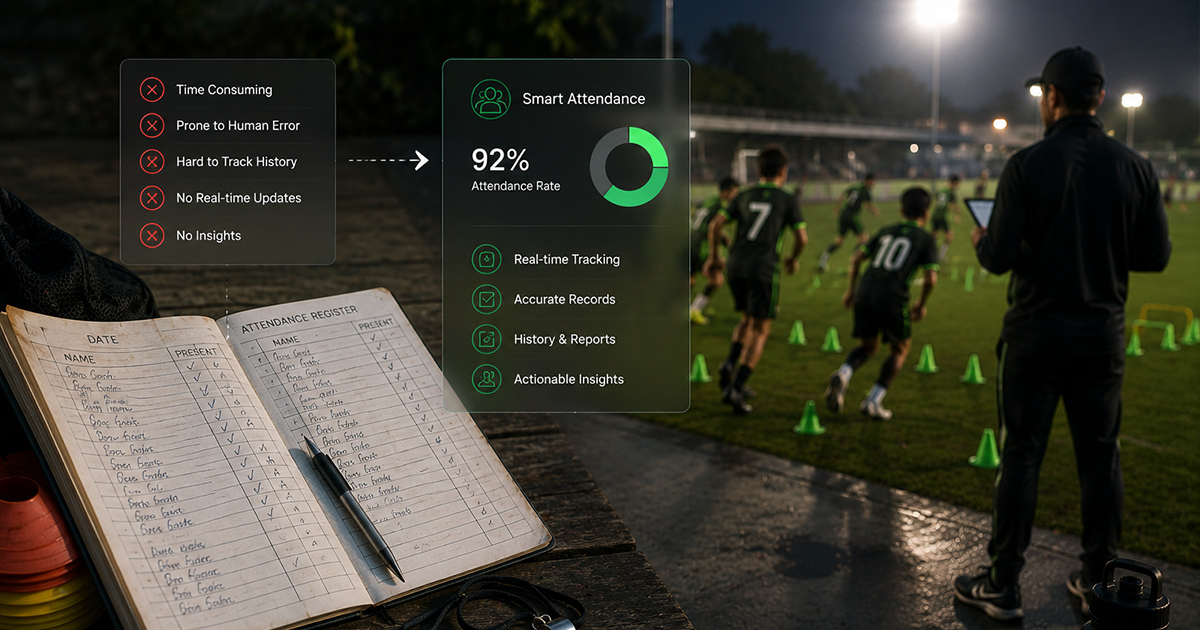
- ✔️ Is attendance tracked digitally and linked to performance data to ensure training discipline?
- ✔️ Are parents receiving clear and regular player development reports through the app?
- ✔️ Is data analyzed over time to identify development plateaus or accelerated growth stages?
- ✔️ Are session plans adjusted based on assessment insights to address weaknesses or enhance strengths?
- ✔️ Are mental and tactical skills included in player assessments to prepare for match situations?
- ✔️ Can the app integrate player fee and batch management to reduce manual errors?
- ✔️ Are coaches trained to use the assessment app as a learning and communication tool, not just a record system?
- ✔️ Is there a workflow linking session attendance → skill assessment → coach notes → parent reports → next training goals?
Common mistakes
1. Relying on subjective memory instead of data: Coaches often remember only highlights or negatives, missing consistent progress signs. Fix: Use the app’s structured data logs immediately after sessions to capture objective details.
2. Tracking only batting or bowling while ignoring fielding: This creates unbalanced players and undervalues a key game component. Fix: Include specific fielding metrics such as catch success rate and throw accuracy in every assessment.
3. Overloading reports with data but lacking actionable insights: Parents and players get overwhelmed or disengaged. Fix: Summarize key development points and next steps in plain language for easy understanding.
4. Inconsistent assessment frequency: Irregular data entry prevents growth tracking and correction. Fix: Set a weekly schedule for inputting data post-training or match sessions for all players.
5. Not linking attendance data with performance: Regular practice influences improvement but often goes untracked. Fix: Integrate attendance management with skill assessments to monitor training discipline.
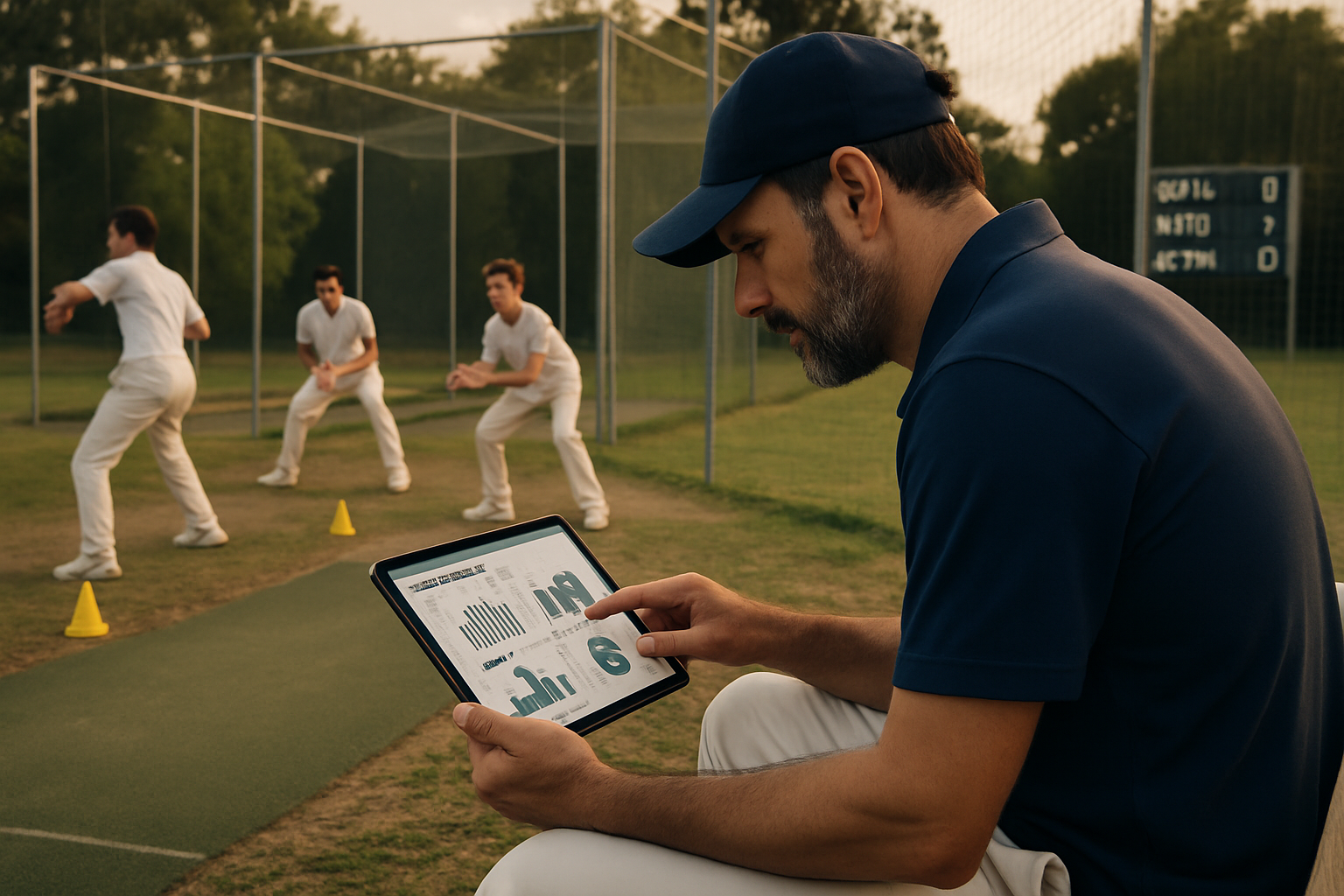
Common mistakes (continued)
6. Failing to train coaches on the app’s use: Technology is only helpful when applied consistently and properly. Fix: Conduct regular training sessions focused on app navigation, data entry, and using assessment insights for coaching.
8lete-Aligned Player Assessment Workflow
A practical workflow reflecting how a cricket player assessment app supports grassroots academies is: Session → Attendance → Skill Assessment (Batting, Bowling, Fielding) → Coach Notes → Parent Report → Next Goal Setting. This sequence ensures performance data connects with session discipline, coaching feedback, and long-term tracking. Structured workflows like these reduce guesswork and build academy trust with parents and players.
For example, after a batting-focused net session, coaches mark attendance, record player strike rate and shot success metrics, add notes on footwork corrections, and send progress updates to parents along with the next session's focused goals. This chain raises accountability for everyone involved.
FAQ
Q: What is a cricket player assessment app?
A cricket player assessment app is a tool that records and analyzes a player’s batting, bowling, and fielding performances systematically. It helps coaches track development trends and share structured feedback with players and parents.
Q: How can bowling assessment tools improve player coaching?
Bowling assessment tools measure accuracy, speed, line, and length consistently, highlighting technical flaws and progress. Coaches use this data for targeted drills and corrections rather than subjective impressions.
Q: How do cricket academies benefit from fielding evaluation software?
Fielding evaluation software tracks catches, ground fielding efficiency, and throwing accuracy. It helps focus attention on often overlooked areas, leading to comprehensive player development and better match-day fielding performances.
Q: Why is consistent batting performance tracking important at grassroots level?
Regular batting tracking helps identify weaknesses such as poor shot selection or timing and measures improvements over time. This builds confidence and technical consistency essential for progressing to higher cricket levels.
Q: How long does it take to see results from using a cricket player assessment app?
Meaningful progress usually appears after several weeks of consistent tracking and coaching interventions. The app supports continuous feedback cycles, enabling players to adjust and improve more efficiently.
Q: How can parents use the information from player assessment apps?
Parents can understand their child’s detailed skill development, challenges, and training attendance. This transparency helps them support their child realistically and avoid pressure based just on match performances.
Q: What challenges do academies face in adopting cricket player assessment apps?
Challenges include initial coach training, data entry diligence, and ensuring technology fits existing workflows. Overcoming these requires planning, gradual adoption, and continuous reinforcement of app benefits to all stakeholders.
What is a cricket player assessment app?
A cricket player assessment app is a tool that records and analyzes a player’s batting, bowling, and fielding performances systematically. It helps coaches track development trends and share structured feedback with players and parents.
How can bowling assessment tools improve player coaching?
Bowling assessment tools measure accuracy, speed, line, and length consistently, highlighting technical flaws and progress. Coaches use this data for targeted drills and corrections rather than subjective impressions.
How do cricket academies benefit from fielding evaluation software?
Fielding evaluation software tracks catches, ground fielding efficiency, and throwing accuracy. It helps focus attention on often overlooked areas, leading to comprehensive player development and better match-day fielding performances.
Why is consistent batting performance tracking important at grassroots level?
Regular batting tracking helps identify weaknesses such as poor shot selection or timing and measures improvements over time. This builds confidence and technical consistency essential for progressing to higher cricket levels.
How long does it take to see results from using a cricket player assessment app?
Meaningful progress usually appears after several weeks of consistent tracking and coaching interventions. The app supports continuous feedback cycles, enabling players to adjust and improve more efficiently.
How can parents use the information from player assessment apps?
Parents can understand their child’s detailed skill development, challenges, and training attendance. This transparency helps them support their child realistically and avoid pressure based just on match performances.
What challenges do academies face in adopting cricket player assessment apps?
Challenges include initial coach training, data entry diligence, and ensuring technology fits existing workflows. Overcoming these requires planning, gradual adoption, and continuous reinforcement of app benefits to all stakeholders.
Related Articles
 Read More about AI Sports Skill Assessment: How Technology Can Measure Player Skills Better
AI Sports Skill Assessment: How Technology Can Measure Player Skills Better
 Read More about AI Player Assessment Software: Transforming Player Development in Football and Cricket Academies
AI Player Assessment Software: Transforming Player Development in Football and Cricket Academies
 Read More about Player Development vs Player Training: What Every Academy Must Understand
Player Development vs Player Training: What Every Academy Must Understand
Latest Articles
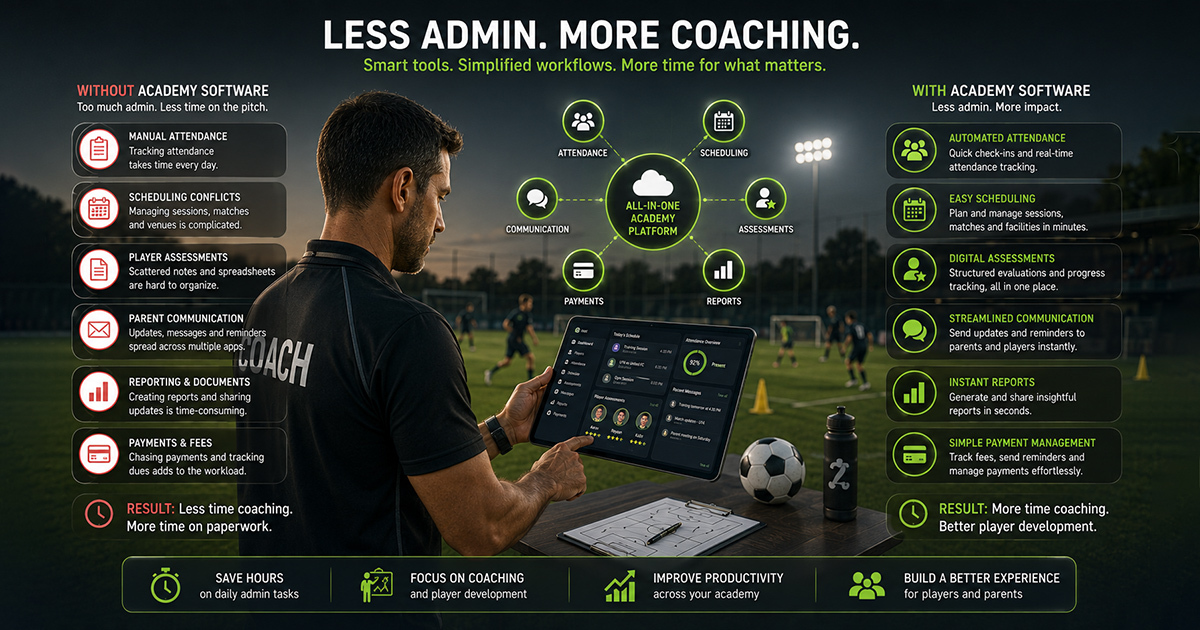 Read More about How Sports Academies Can Reduce Admin Work for Coaches
How Sports Academies Can Reduce Admin Work for Coaches
 Read More about How to Build Age-Wise Player Development Pathways in Football and Cricket
How to Build Age-Wise Player Development Pathways in Football and Cricket
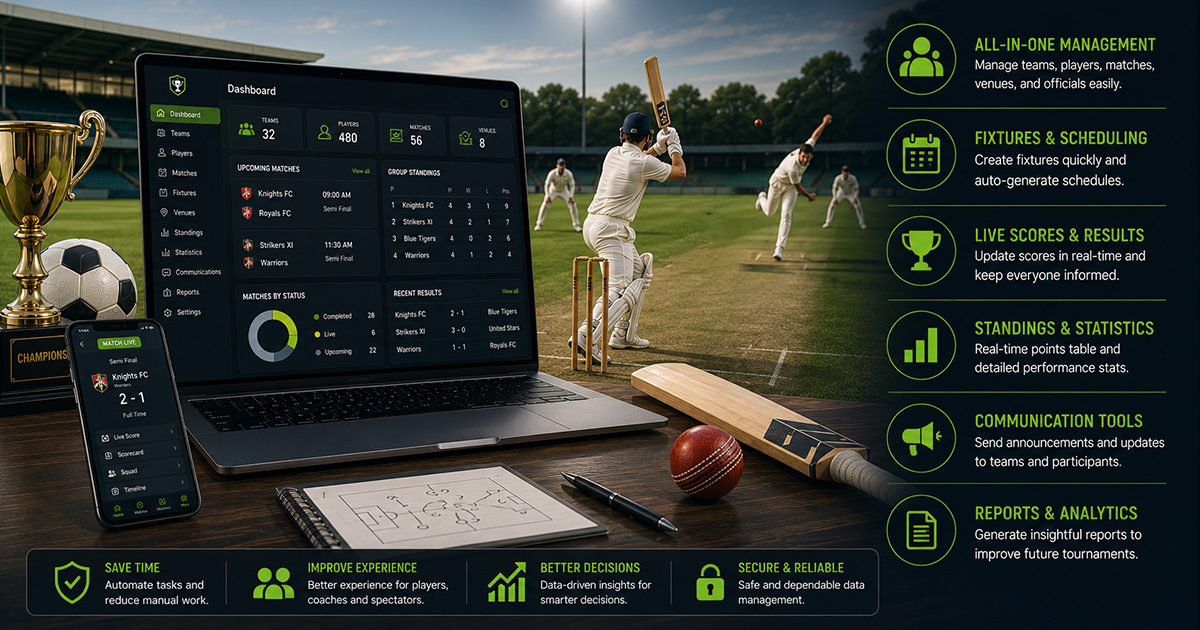 Read More about Tournament Management Software for Football and Cricket Organizers: A Practical Guide
Tournament Management Software for Football and Cricket Organizers: A Practical Guide
Ready to Bring Structure to Your Academy?
Let’s walk through your current setup and show you how 8lete can improve it.


