



Cricket Coaching App for Grassroots Coaches: What to Look For
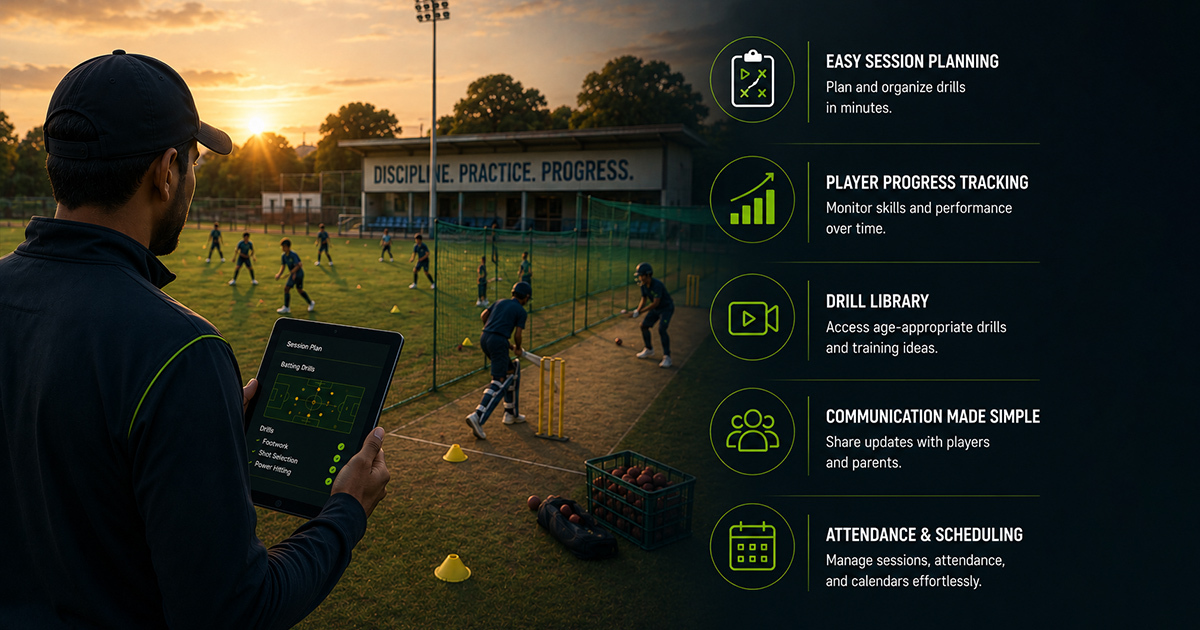
A cricket coaching app for grassroots coaches is a digital tool designed to streamline training, track player progress, and support structured development at the academy level. Many grassroots coaches struggle with juggling manual record-keeping, feedback delivery, and player assessments, which can hinder sustainable growth. Using the right app helps address these issues by providing consistent updates, simplifying communication, and enabling data-driven coaching decisions. This article explains what features to prioritize and how to choose a cricket coaching app that truly supports your coaching goals and academy operations.
What Is a Cricket Coaching App for Grassroots Coaches?
A cricket coaching app for grassroots coaches is software that helps organize training sessions, monitor player skills, record attendance, provide coach feedback, and produce progress reports - all tailored to grassroots-level cricket development.
By digitizing these processes, the app supports consistent player development, keeps parents informed, reduces paperwork, and enhances coach effectiveness with structured tools for training and assessment.

Key Features to Look for in a Cricket Coaching App for Grassroots Coaches
Not all apps are created equal. When evaluating cricket coaching apps, prioritize features that match grassroots coaching realities and long-term player development needs.
The following framework outlines essential features every effective app should offer for grassroots cricket coaching.
- 1. Session Planning and Training Management: The app must enable coaches to plan sessions with drills focused on batting, bowling, fielding, and wicketkeeping, matching skill levels and age groups.
- 2. Player Assessment and Skill Tracking: Structured templates for batting technique, bowling rhythm, shot selection, and fitness tracking enable consistent evaluation and progress measurement.
- 3. Attendance and Discipline Monitoring: Easy attendance marking and automated reminders promote training consistency and discipline.
- 4. Coach Notes and Feedback Tools: Clinics, match observations, and training corrections should be logged within the app for reference and player review.
- 5. Parent Communication and Reports: Automated progress reports and communication channels enhance parent trust and involvement in development.
- 6. Match and Tournament Learning Capture: Tools to record match performance, temperament observations, and tactical awareness provide practical learning beyond drills.
- 7. User-Friendly Interface and Offline Access: A simple design that works on mobile devices and offers offline capabilities ensures coaches can use the app in net sessions or grounds with limited connectivity.
Practical checklist
Before choosing or recommending a cricket coaching app, use this checklist to ensure it meets grassroots coaching needs:
- Does the app allow detailed session planning by skill (batting, bowling, fielding, wicketkeeping)?
- Can coaches easily record player assessments with specific skill criteria?
- Is attendance marking quick and trackable over weeks and months?
- Are coach notes and feedback easy to input and review?
- Does the app support automated progress reports sent to parents?
- Are match and training performance data captured to link practice with game-day learning?
- Is the interface mobile-friendly and intuitive for coaches with varying tech skills?
- Does it support offline use during nets or field sessions?
- Can the app handle multiple players, batches, and coach assignments efficiently?
- Is there support for integrating fees management or enquiry tracking if running an academy?
Role-wise insights on using a Cricket Coaching App
For Players: Use the app feedback and progress reports to understand strengths and areas needing extra focus, such as timing or bowling control. Set goals based on coach notes and review session plans to practice consistently.
For Coaches: Record detailed observations during nets and matches, use built-in templates for standardized assessments, and plan sessions aligned to player development stages. Track attendance to promote discipline and use reports to keep parents engaged.
For Parents: Access regular updates on your child's skill progression and training attendance. Understand the feedback and development plans shared by coaches to support practice at home and maintain realistic expectations.
For Academy Owners: Ensure the app supports batch management, coach assignments, and attendance. Monitor player progress across squads and streamline parent communications. Consider integration with fees and enquiry management to maintain academy workflows efficiently.
Stage-wise implementation for grassroots cricket coaches
1. Foundation Stage (U8-U12): Use the app mainly for attendance, basic batting stance and bowling rhythm assessments, plus parental updates about consistency and discipline.
2. Skill Development Stage (U13-U16): Implement detailed session plans focused on technique, shot selection, and bowling control. Track match temperament and fielding intensity by recording coach feedback.
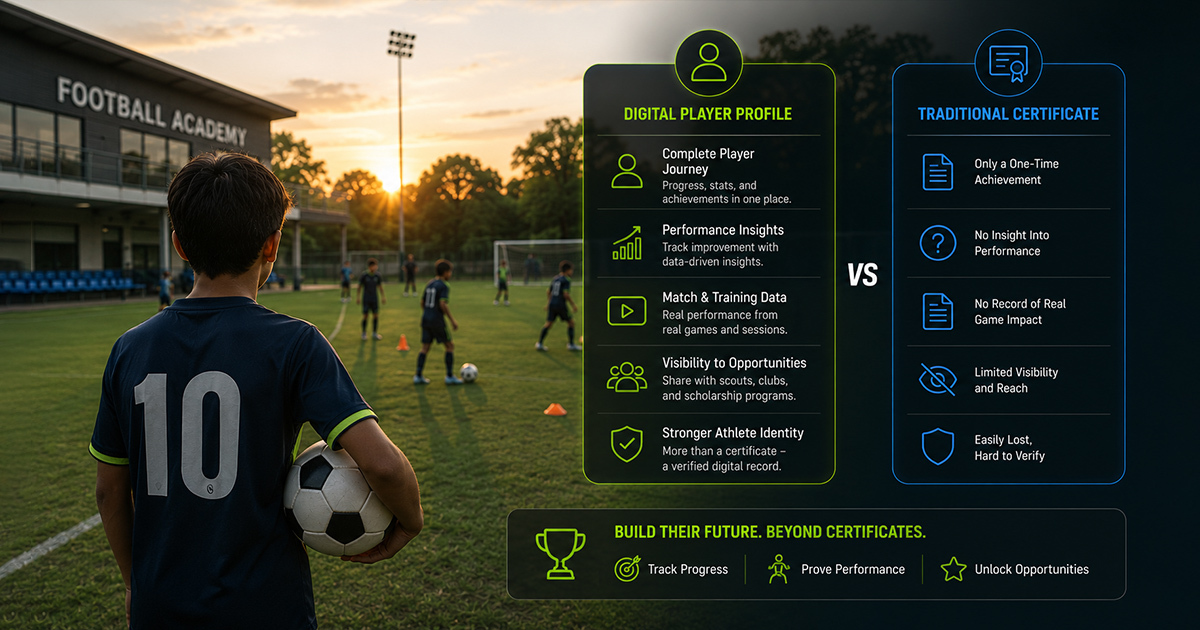
3. Performance and Exposure Stage (U17-U21): Use the app to link match performance metrics with training data. Provide parents with comprehensive progress reports. Support scouting readiness by sharing player profiles and skill analytics.
How a Coach’s Workflow Can Align with a Cricket Coaching App
An effective digital coaching workflow consists of:
- Session Planning: Prepare detailed training plans in the app tailored to each player’s skill level and developmental needs.
- Attendance Tracking: Mark attendance during nets or sessions to ensure discipline and commitment.
- Player Assessments: Use provided templates to evaluate batting, bowling, fielding, and fitness.
- Coach Notes: Log observations and tactical corrections immediately post-session or match.
- Parent Reports: Generate and share progress updates to maintain transparency and encourage home support.
- Goal Setting: Update individual player goals based on recent reports to focus training themes.
This systematic approach enhances consistency and ensures long-term tracking for all players under a coach’s care.
Structured tracking and consistent feedback turn good coaching into lasting development.
Practical examples from Grassroots Cricket Coaching
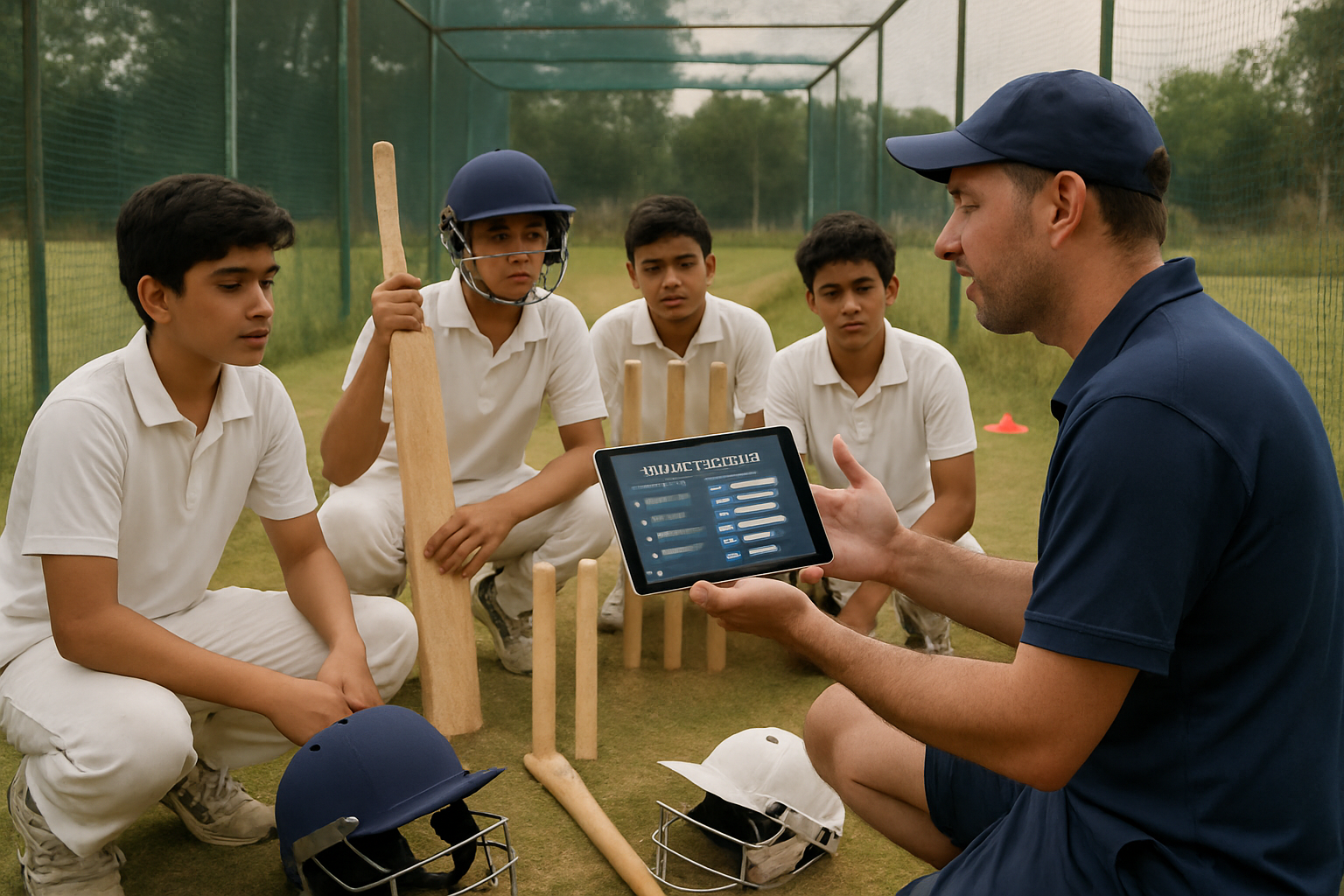
Example 1: A coach noticed a young batter struggling with footwork during nets. Using the app’s assessment feature, the coach tracked foot placement and timing over successive sessions, adjusting drills accordingly and noting corrective feedback. Parents received clear updates, helping them support targeted practice at home.
Example 2: An academy managed attendance manually and missed identifying players with inconsistent practice habits. Upon adopting a coaching app with attendance tracking and automated reminders, the coaching staff successfully improved training discipline and reduced absenteeism.
Example 3: During match simulations, a coach logged player temperament and shot selection insights directly into match reports within the app. This data was used in the next training cycle to simulate real-game pressure during nets, enhancing players’ tactical learning.
Common mistakes when choosing or using cricket coaching apps—and how to fix them
Mistake 1: Choosing an app without grassroots-specific features. Many apps focus on elite-level analytics and miss simple, practical tools like attendance tracking or parent reports. Fix: Select apps designed for grassroots coaches with intuitive skill assessments and communication features.
Mistake 2: Overcomplicating data entry during sessions. Coaches overwhelmed by lengthy assessments stop using the app regularly. Fix: Use apps with quick entry options or voice-to-text notes to streamline the process.
Mistake 3: Ignoring parent communication. Without timely progress reports, parents lose trust and support for the program. Fix: Automate parent updates and include simple explanations to keep them informed.
Mistake 4: Neglecting offline usability. Coaches struggle to use apps in poor network areas, leading to gaps in data. Fix: Choose apps with offline mode to ensure data capture anytime.
Mistake 5: Lack of integration with academy operations. Managing attendance, batches, and fees separately leads to inefficiency. Fix: Prefer apps offering or integrating with academy management features to centralize workflows.
Comparison: Manual Coaching vs Using a Dedicated Cricket Coaching App
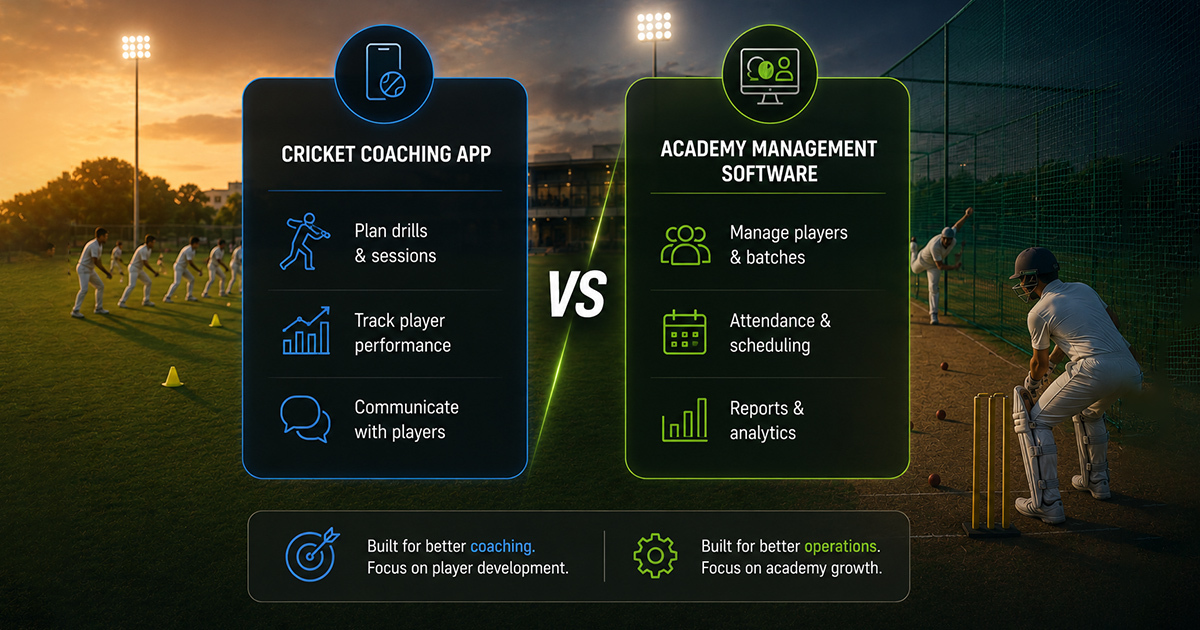
Manual coaching methods often rely on memory, paper records, and informal communication, which can lead to missed sessions, incomplete feedback, and unclear player progress.
Using a cricket coaching app introduces structure by linking attendance, detailed assessments, coach notes, and parent reports within one system. This results in improved training consistency, better player motivation, and clearer development pathways.
Practical checklist
Use this checklist when evaluating or adopting a cricket coaching app to ensure comprehensive support for grassroots coaches:
- Is session planning flexible enough to cover all cricket skill areas?
- Are assessment templates aligned with grassroots coaching goals?
- Does the app allow quick attendance marking and automatic reminders?
- Can coaches easily input and retrieve feedback notes?
- Are progress reports generated automatically for parents?
- Is the app accessible offline or in low-connectivity environments?
- Does the app support batch and coach assignment management?
- Are match performance and temperament tracking tools included?
- Can the app integrate or at least coordinate with academy fee and enquiry management?
- Is the user interface intuitive for grassroots coaches with limited tech experience?
What is a cricket coaching app for grassroots coaches?
A cricket coaching app for grassroots coaches is a digital tool designed to help organize training, track player skills, record attendance, provide feedback, and communicate progress to parents, all tailored for grassroots development.
How can I improve my coaching techniques with cricket coaching apps?
Use apps that offer structured session planning, skill assessment templates, and real-time feedback tools. Reviewing data regularly from the app helps identify player strengths and weaknesses for targeted improvement.
Why are digital tools important in grassroots cricket coaching?
Digital tools reduce manual record-keeping, improve consistency in training, enhance communication with players and parents, and allow long-term tracking of player development which is often difficult with traditional methods.
How do cricket coaching apps help with parent communication?
Many apps automate progress report generation and offer messaging features so parents receive timely, clear updates on attendance, skill development, and coach feedback, fostering transparency and involvement.
What should I focus on when choosing the best cricket coaching app?
Focus on features relevant to grassroots coaching such as session planning, skill assessments, attendance tracking, coach feedback tools, parent reporting, offline usability, and ease of use.
Why am I not getting consistent improvement using coaching apps?
Inconsistent app use, overly complex data entry, or lack of follow-up on feedback can hinder progress. Simplify the process, commit to regular assessments, and integrate app data into coaching decisions.
What is the best age to start using a cricket coaching app for players?
Apps can be useful from early stages (U8) for attendance and basic skill tracking, with more detailed assessments added at skill development stages like U13–U16, aligning with coaching goals and player growth.
Related Articles
 Read More about How AI for Coaching Player Strengths and Weaknesses Transforms Grassroots Development
How AI for Coaching Player Strengths and Weaknesses Transforms Grassroots Development
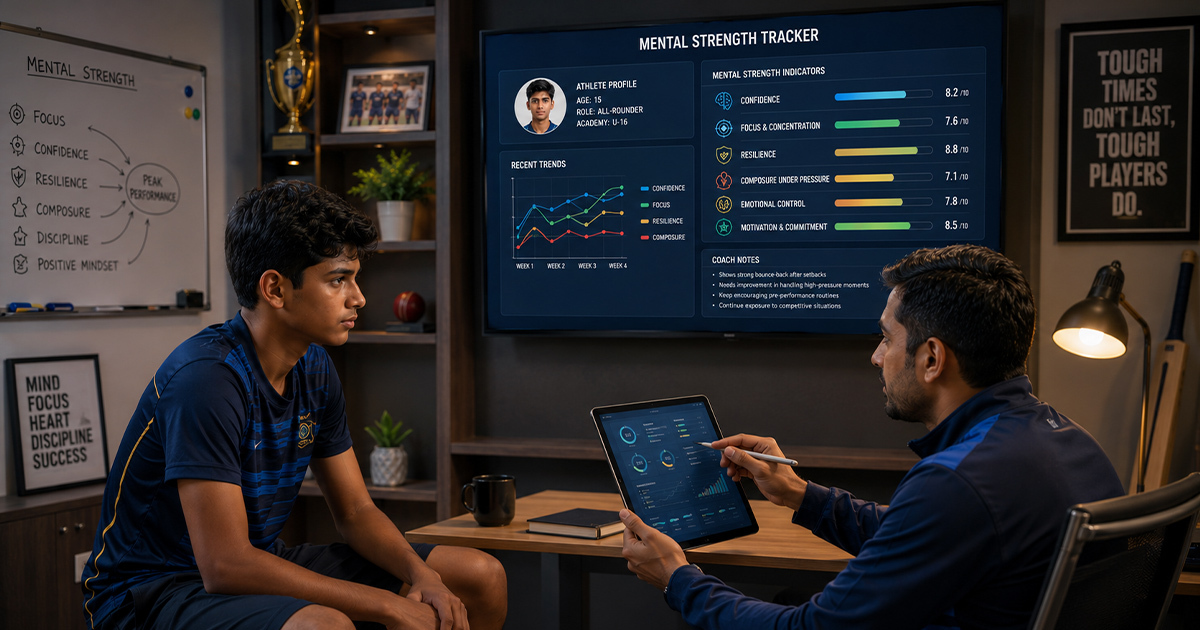 Read More about How Coaches Can Track Mental Strength in Young Athletes
How Coaches Can Track Mental Strength in Young Athletes
 Read More about Weekly Cricket Training Session Plan for Grassroots Academies: A Practical Guide
Weekly Cricket Training Session Plan for Grassroots Academies: A Practical Guide
Latest Articles
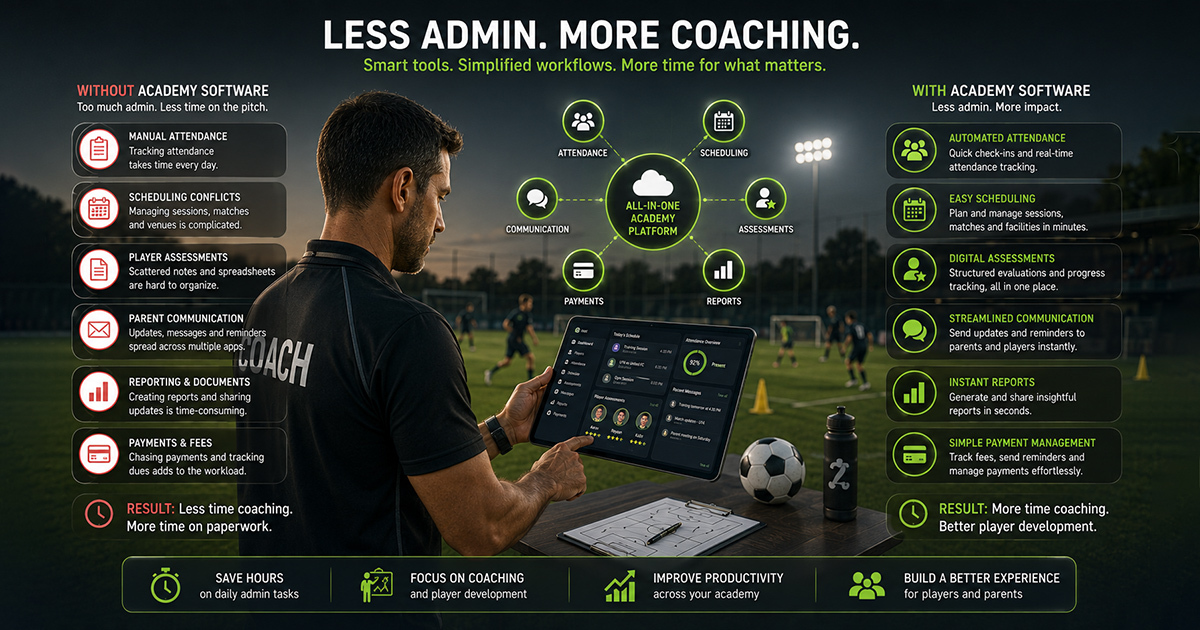 Read More about How Sports Academies Can Reduce Admin Work for Coaches
How Sports Academies Can Reduce Admin Work for Coaches
 Read More about How to Build Age-Wise Player Development Pathways in Football and Cricket
How to Build Age-Wise Player Development Pathways in Football and Cricket
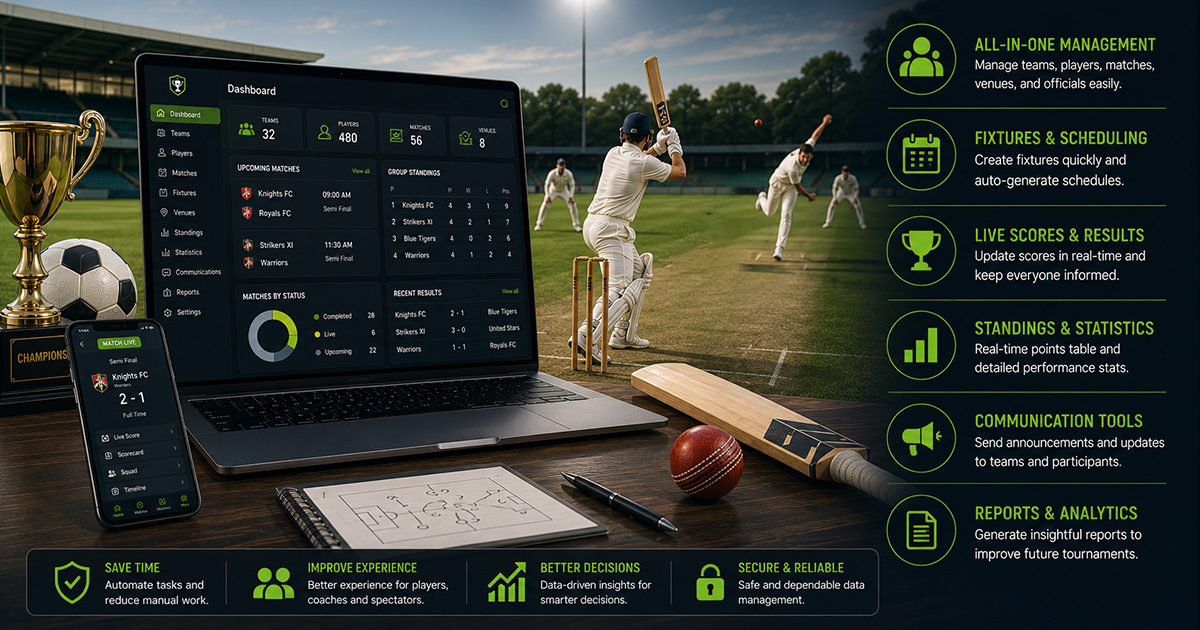 Read More about Tournament Management Software for Football and Cricket Organizers: A Practical Guide
Tournament Management Software for Football and Cricket Organizers: A Practical Guide
Ready to Bring Structure to Your Academy?
Let’s walk through your current setup and show you how 8lete can improve it.


