



Football Coaching App Features Every Grassroots Coach Should Prioritize
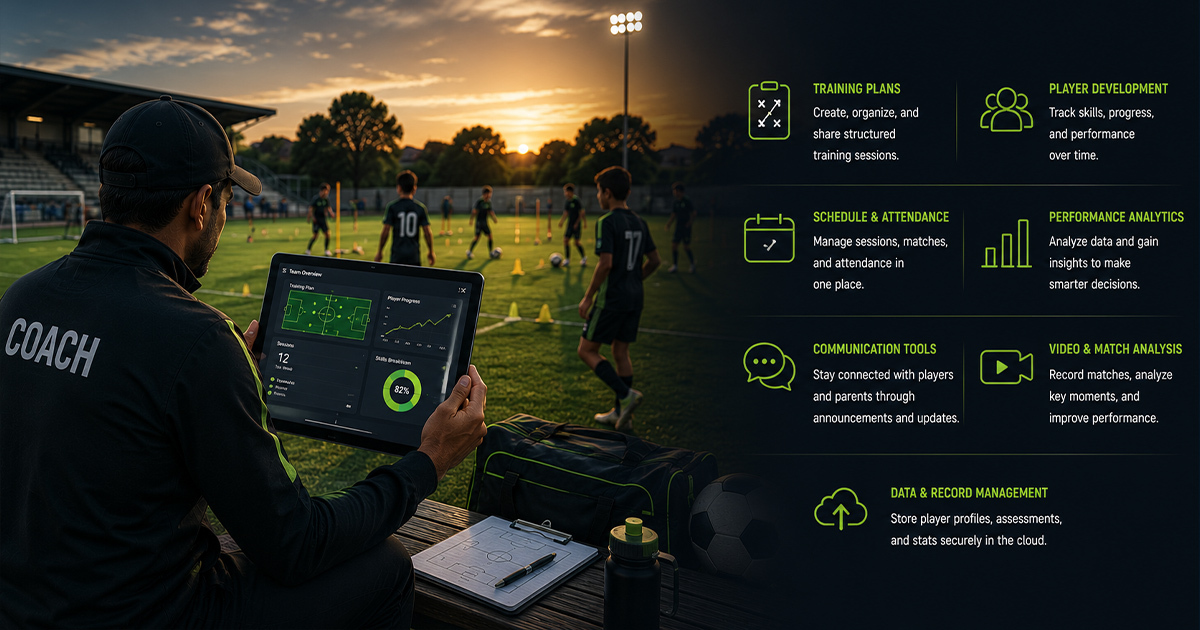
Football coaching app features are the digital building blocks that grassroots coaches need to enhance training sessions, communicate effectively, and track player progress consistently. Many coaches struggle with managing session plans, gathering feedback, and maintaining player records in manual or fragmented ways. A well-designed football coaching app can centralize essential functions to support structured development, which is crucial for nurturing young talent over time. This article breaks down the football coaching app features that matter most and explains how coaches, parents, players, and academy owners benefit from these tools.
Defining Football Coaching App Features
Football coaching app features are the specific tools and functionalities integrated within mobile or desktop applications that help coaches plan training sessions, track attendance, assess player skills, communicate with parents, and analyze performance data.
By focusing on these features, grassroots coaches can streamline daily tasks, improve training consistency, and build clear development pathways for players from U10 through U21.
Why Football Coaching App Features Matter for Grassroots Coaches
Grassroots coaching technology transforms how coaches manage their squads, especially when juggling multiple age groups and skill levels. Without proper digital tools, critical tasks like session planning, skill tracking, and parent communication become inefficient and prone to errors.
A robust football training app with the right features ensures that coaches spend more time focusing on player development instead of paperwork or logistics.

A Framework: 6 Essential Football Coaching App Features
To systematically prioritize digital tools, consider this practical framework that covers the core functionalities grassroots football coaching apps must have:
- 1. Session Planning and Drill Libraries: Coaches need easy-to-use modules for building daily and weekly training sessions integrated with sport-specific drills and progression paths.
- 2. Attendance and Batch Management: Tracking player attendance improves discipline and reveals commitment patterns over time, crucial data for long-term growth.
- 3. Player Skill Assessments and Feedback: Structured assessments help break down technical, tactical, and physical skill progress and provide coaches with notes to personalize training.
- 4. Parent Communication Tools: Transparent updates through apps keep parents engaged and well-informed about their child’s development and any academy announcements.
- 5. Performance Analytics and Reports: Data-driven insights from training and match inputs enable coaches to review player progress regularly and highlight areas needing improvement.
- 6. Multi-User Access and Workflow Integration: Seamless coordination between coaches, managers, parents, and players ensures consistent messaging and accountability across the academy.
Each point reflects a cornerstone of structured development in grassroots football, helping coaches and academies implement reliable systems that foster continuous improvement.
Practical checklist
Use this checklist to evaluate if a football coaching app aligns with grassroots coaching needs:
- Does the app allow easy creation and modification of session plans with football-specific drills?
- Can attendance be recorded and retrieved quickly for multiple age-level batches?
- Are there tools for regular player skill assessments with coach notes and ratings?
- Is parent communication integrated with notifications or progress updates?
- Does the app provide performance analytics and generate player reports?
- Can multiple coaches and staff members collaborate with defined roles?
- Is the user interface intuitive enough for quick adoption by grassroots coaches?
- Does the app support offline use or low-bandwidth environments common in grassroots settings?
- Are player development histories stored for long-term tracking?
- Does it support integration with other tools like fee management or scouting platforms?
Role-wise perspectives on football coaching app features
Understanding what key stakeholders need helps tailor the feature priorities for maximum impact.
For Players: Apps should enable them to view their progress, training schedules, and match reports, encouraging self-awareness and ownership of development.
For Coaches: Coaches require streamlined session planning, player assessment tools, and easy access to attendance data to track training commitment and effectiveness.
For Parents: Transparency is key. Apps must facilitate regular updates on attendance, progress reports, and direct communication channels with coaches to build trust.
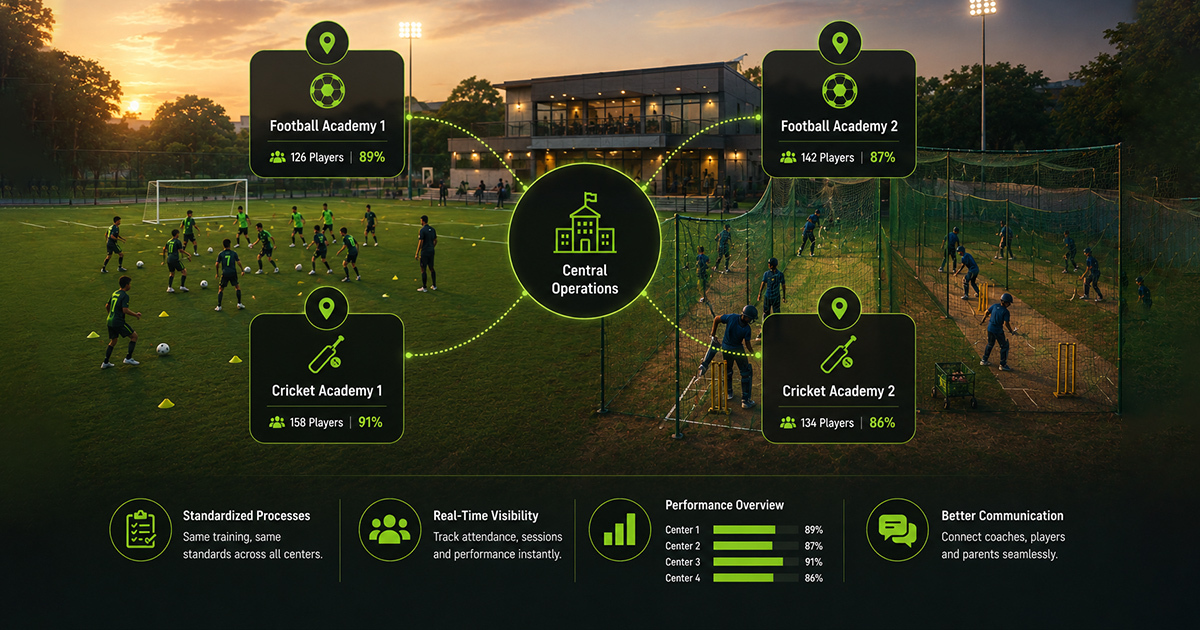
For Academy Owners: Scaling operations demands features like batch management, multi-coach collaboration, integrated workflows, and analytics dashboards to maintain quality and structure while growing.
Age-wise implementation: Football coaching app features for U10 to U21
Different age groups have unique coaching requirements and therefore benefit differently from app features.
- U10–U13: Focus on basic skill drills in session planning and attendance discipline. Simple feedback features help parents understand progress.
- U14–U16: Incorporate tactical assessment tools and richer performance analytics, encouraging players to review their reports for self-improvement.
- U17–U21: Utilize advanced session planning with individual development plans, multi-coach collaboration, and parent-coach communication tools to prepare players for scouting and trials.
For example, a U12 coach might use the app to mark attendance and assign drills, while a U18 coach tracks passing accuracy over matches using integrated analysis.
Structured training and clear feedback through apps lay the foundation for steady player growth over time.
Grassroots coaching technology in action: 3 real examples
1. Session Planning Efficiency: Coach Anil organizes weekly sessions for a U15 team using a football training app. He builds progressive drills focused on first touch and decision-making, ensuring every session ends with a focused small-sided game.
2. Attendance Impact: An academy owner in Bengaluru noticed inconsistent attendance records were hiding dropouts. Using an app with batch-wise attendance tracking, the owner identified patterns and intervened early, reducing absenteeism by 20% over a season.
3. Parent Communication: A coach sends monthly player reports directly via the app, including video clips and skill ratings. Parents appreciate the transparency and actively support home training, which reflects in improved player commitment.
Common mistakes in choosing or using football coaching apps (and fixes)
Mistake 1: Picking apps with too many complicated features can overwhelm grassroots coaches. Fix: Choose apps with intuitive interfaces and essential features matching your academy’s current scale.
Mistake 2: Ignoring parent communication tools leads to trust gaps. Fix: Prioritize apps that allow regular updates and two-way communication with parents.
Mistake 3: Not tracking attendance digitally causes missed absentee interventions. Fix: Use batch-wise attendance features to monitor commitments.
Mistake 4: Failing to use player assessment capabilities limits feedback effectiveness. Fix: Schedule regular assessments and maintain coach notes in the app for personalized training plans.
Mistake 5: Relying on apps without offline support reduces usability in low-connectivity fields. Fix: Select apps with offline functionality to avoid disruptions.

An 8lete-aligned workflow for using football coaching app features
Consider this simple workflow to leverage app features effectively in a grassroots football academy:
- Session Planning: Coaches prepare and schedule training sessions using drill libraries and focus points like passing or positioning.
- Attendance Marking: Players’ attendance is recorded per batch, flagging irregular attendees early.
- Player Assessment: Coaches enter skill evaluations post-session, including technical and decision-making metrics.
- Coach Notes: Individualized notes highlight areas to improve and training adjustments.
- Parent Reports: Generated reports, including attendance and skill progress, are shared with parents monthly.
- Next Goal Setting: Coaches set clear short-term goals for players, adjusting development plans.
This structured sequence integrates the most critical app features into daily academy routines, helping maintain accountability and continuous development.
Frequently Asked Questions
What is the most important feature in a football coaching app? The ability to plan and customize training sessions with football-specific drills is fundamental, as it directly supports skill development and consistent training quality.
How can football coaching apps help improve player communication? They offer tools to send progress reports, attendance updates, and direct messages to parents and players, which builds transparency and trust.
How to improve training consistency using digital tools? By scheduling sessions in advance, tracking attendance, and regularly assessing player skills in the app, coaches ensure disciplined, goal-oriented training.
Why do some grassroots coaching apps fail to keep coaches engaged? Overly complex features and poor user interfaces cause frustration. Simple, relevant features with intuitive design promote sustained use.
What is the best way for academies to track player progress using apps? Regular skill assessments combined with attendance data and personalized coach notes create a comprehensive progress record accessible through player reports.
When should an academy consider adopting a football coaching app? As soon as the academy handles multiple age groups or coaches, adopting the right app early prevents operational chaos and supports long-term structured development.
Conclusion
Choosing the right football coaching app features is not about adopting every new technology but about selecting practical tools that enhance day-to-day coaching and academy operations. Clear session planning, attendance tracking, player assessments, and effective parent communication form the backbone of structured grassroots development. When coaches capture and share progress systematically, players receive consistent feedback that builds discipline and confidence. Academy owners gain visibility into operations, enabling smarter decisions and resource allocation. Ultimately, integrating these app features into a well-designed workflow creates a transparent and accountable environment that supports the player’s long-term growth journey. Coaches and academies prioritizing these features see more clarity in development pathways and stronger engagement from players and parents alike. To foster sustained progress in grassroots football, embracing these structured digital tools with discipline and purpose is essential—not as a quick fix, but as a foundation for meaningful player development over the years to come.
What is the most important feature in a football coaching app?
The ability to plan and customize training sessions with football-specific drills is fundamental, as it directly supports skill development and consistent training quality.
How can football coaching apps help improve player communication?
They offer tools to send progress reports, attendance updates, and direct messages to parents and players, which builds transparency and trust.
How to improve training consistency using digital tools?
By scheduling sessions in advance, tracking attendance, and regularly assessing player skills in the app, coaches ensure disciplined, goal-oriented training.
Why do some grassroots coaching apps fail to keep coaches engaged?
Overly complex features and poor user interfaces cause frustration. Simple, relevant features with intuitive design promote sustained use.
What is the best way for academies to track player progress using apps?
Regular skill assessments combined with attendance data and personalized coach notes create a comprehensive progress record accessible through player reports.
When should an academy consider adopting a football coaching app?
As soon as the academy handles multiple age groups or coaches, adopting the right app early prevents operational chaos and supports long-term structured development.

Related Articles
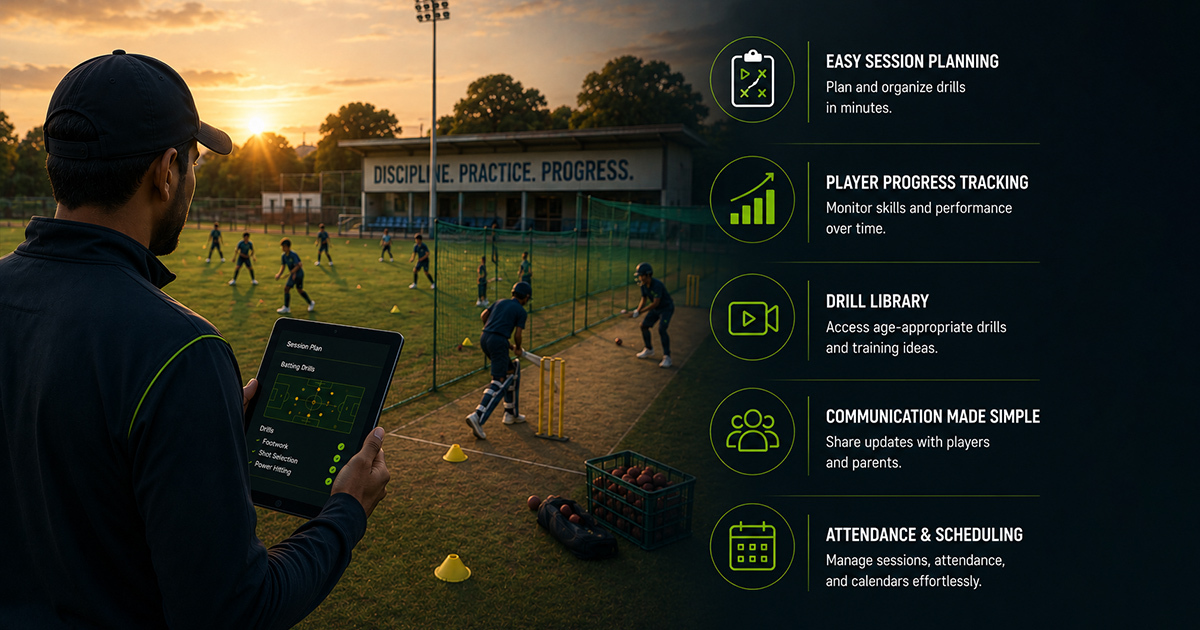 Read More about Cricket Coaching App for Grassroots Coaches: What to Look For
Cricket Coaching App for Grassroots Coaches: What to Look For
 Read More about How AI for Coaching Player Strengths and Weaknesses Transforms Grassroots Development
How AI for Coaching Player Strengths and Weaknesses Transforms Grassroots Development
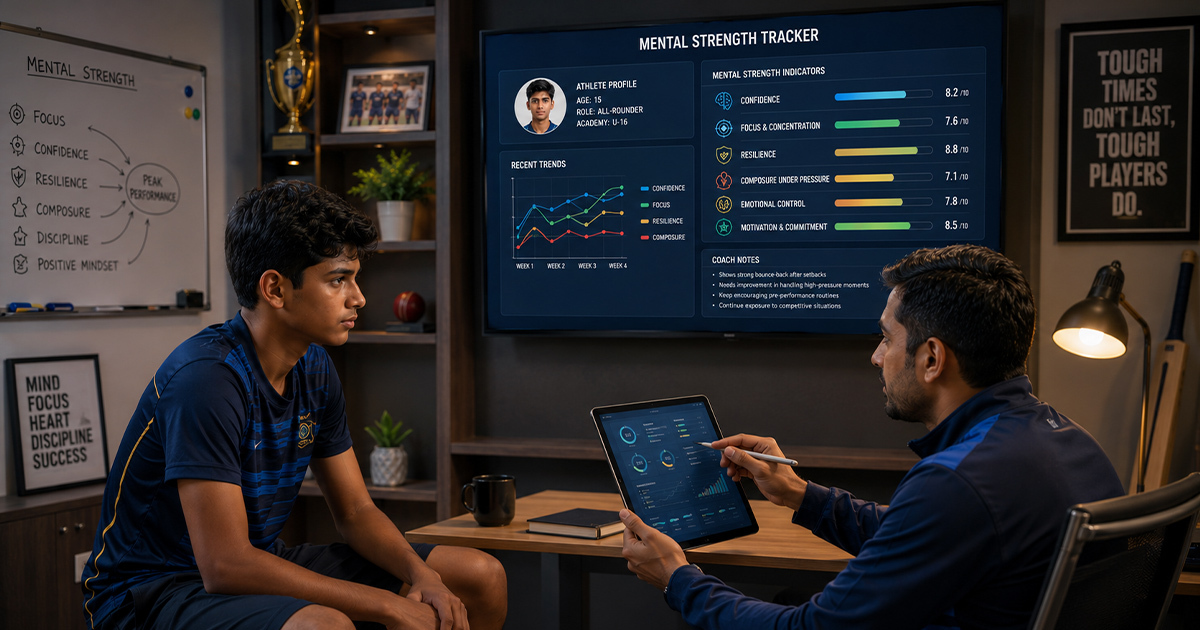 Read More about How Coaches Can Track Mental Strength in Young Athletes
How Coaches Can Track Mental Strength in Young Athletes
Latest Articles
 Read More about How Sports Academies Can Reduce Admin Work for Coaches
How Sports Academies Can Reduce Admin Work for Coaches
 Read More about How to Build Age-Wise Player Development Pathways in Football and Cricket
How to Build Age-Wise Player Development Pathways in Football and Cricket
 Read More about Tournament Management Software for Football and Cricket Organizers: A Practical Guide
Tournament Management Software for Football and Cricket Organizers: A Practical Guide
Ready to Bring Structure to Your Academy?
Let’s walk through your current setup and show you how 8lete can improve it.


